Article Rough Draft
Theresa Hall
EDLD 5317
March 15, 2323
TCEA TechNotes Submission Requirements
With the implementation of blended learning during the recent pandemic, teachers had never imagined teaching in a digital environment. Now, many schools are still using 1:1 technology in the classroom, but teachers are struggling to adapt it to fit the traditional primary classroom. Even though younger students are far more advanced in their technological skills than ever before, teachers have to find a balance to use it successfully. It has to be easy for the students to use independently, yet powerful enough to support the curriculum.
Seesaw Learning App
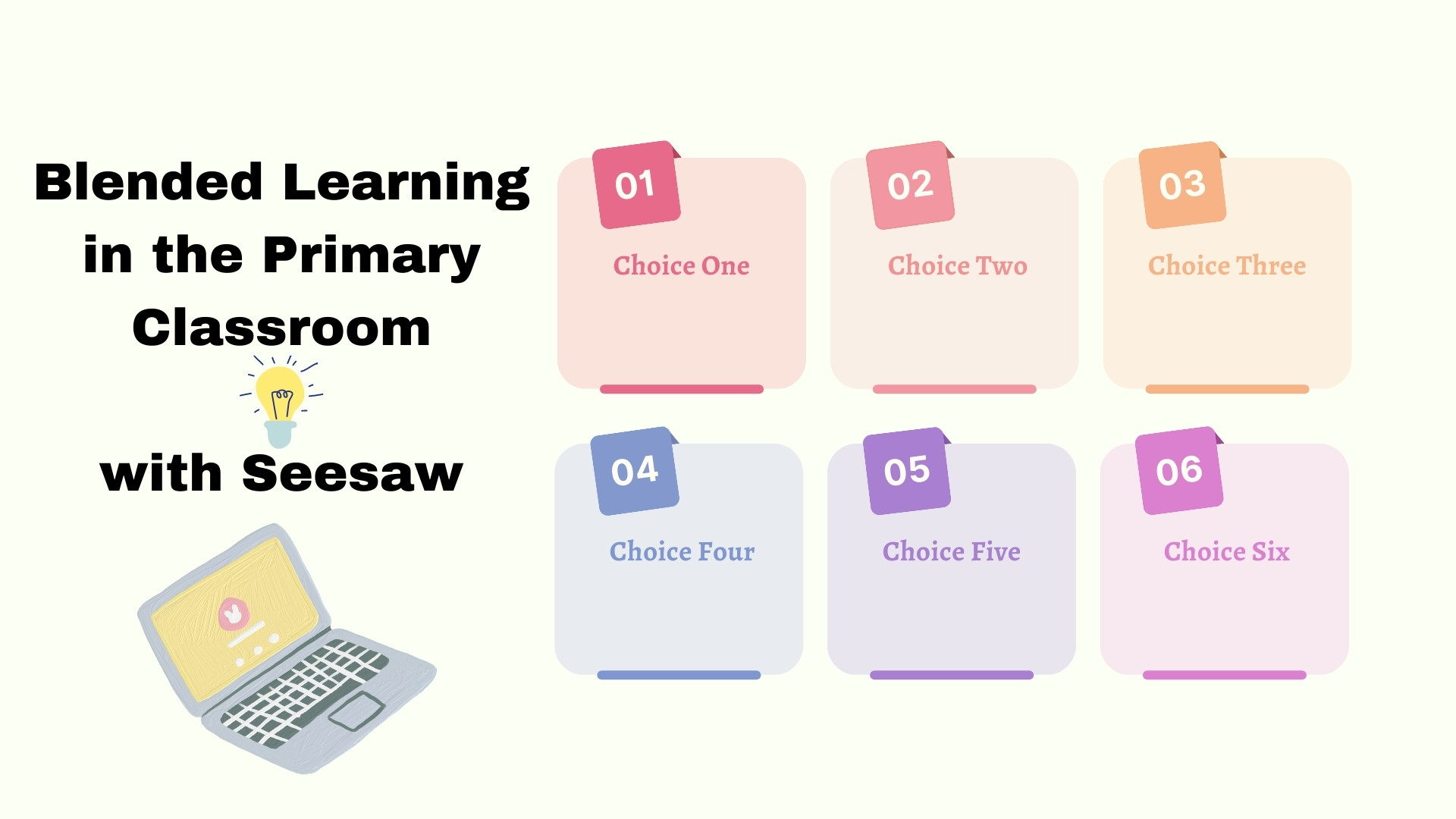
One of the best tools I have found for implementing blended learning in the primary classroom is Seesaw. Seesaw can be used on an iPad, tablet, or computer, which makes it versatile. It can also be accessed via the web if students are using Chromebooks. Lessons can be created by the teacher or accessed through the Seesaw Learning Library, where Seesaw Ambassadors share the lessons they have created. One of the great tools Seesaw has is the ability to attach links to lessons, upload videos, attach a pdf, a picture, or link to a Google file. Students can record their voice as they work through a math problem or read a passage to the teacher. There are so many versatile ways to use Seesaw, making it a great tool for blended learning. One of the best ways I have used Seesaw for blended learning is through the implementation of choice boards. Teachers can create one choice board in Seesaw with links to many different activities and lessons. Students are given a choice, ownership, and voice over their learning because they get to choose the lessons they want to submit for mastery.
Reaching All Students through Choice Boards
One thing teachers always struggle with is time. Implementing blended learning with Seesaw in a station rotation model can help teachers find time to pull small groups, provide enrichment, and give struggling students the extra support they need. Teachers can use choice boards within Seesaw to provide lessons that are written for students who have IEPs, for English Language Learners (ELLs), and to provide enrichment.
First Hand Experience
When I moved from second grade to first grade, I changed from departmentalized to self-contained. Guided reading stations were a struggle. The students were engaged in the stations, but they saw them as nothing more than an indoor recess and quickly became off task. My stations were lacking something, and I had to figure it out quickly.
I first heard about Seesaw at a literacy training in my district. It looked so promising that I brought an old iPad from home to put it in a central location in my classroom for the students to share. When their stations were completed, they used the Seesaw app to take a picture of their work and upload it to their personal journal for me to see. That day was a new beginning. Guided reading was suddenly a quiet time of learning. Students were taking accountability for their work, and they loved having a digital journal where they could look at it.
I am now back in second grade teaching in a Gifted and Talented program. I am implementing choice boards for social studies and science through stations. A choice board over magnets gave my students the freedom to choose how they wanted to present what they learned. Some wrote about magnets, some drew, and some made a magnet board game. This was all implemented in stations and the choice board was assigned in Seesaw. Students viewed extension videos, read books, and looked at pictures of different magnets before completing their project. As they worked at their pace, my time was used to help students who needed more direct teaching.
How to Begin
If a district does not offer Seesaw, there is a free basic account for teachers to use. This is where I started and it worked wonderfully. For teachers who are not sure where to find choice boards, I suggest looking on Teachers Pay Teachers to find ready-made ones that can be edited to meet the needs of the students. There are also some in the Seesaw lesson library that can be saved and modified.
By creating significant learning environments through blended learning, teachers are giving students a choice, ownership, and voice over their learning. Teachers can give the students the opportunity to take accountably for their learning. Allowing students to move through a station rotation model gives teachers the ability to reach every student, every day.
References
Edpuzzle. (2021 13). What is the Station Rotation Model? YouTube. https://www.youtube.com/watch?v=tgr3lnCl5QY
Horn, M. B., & Staker, H. (2015). Blended. Jossey-Bass.
Tucker, C. (2022, December 3). FAQ: The Station Rotation Model. Dr. Catlin Tucker. Retrieved March 15, 2023, from https://catlintucker.com/2022/12/faq-station-rotation-model/
Elevate learning in elementary. Seesaw. (n.d.). Retrieved March 15, 2023, from https://web.seesaw.me/
BIO
Theresa Hall has been a certified teacher for 27 years and loves keeping up with the ever-changing world of technology. She is working on a Master of Education Degree in Applied Digital Learning.
Edutopia Submission Requirements
Proposal
My article is about using Seesaw to implement blended learning in the K-2 classroom. The focus is about giving teachers a way to use blended learning to teach the objectives when there are time constraints.
My article is intended for primary elementary teachers in the Kindergarten through Second grade classroom.
Outline
The Seesaw app will be used on either an iPad, tablet, or computer.
- Seesaw should be set up for use as 1:1 even if the device is shared to prevent students from seeing each other’s work.
- Lessons can be implemented into the guided reading or guided math stations, which is something elementary teachers are already doing.
- Start with one station using a content area that is lacking time in the daily schedule. Most teachers find Social studies is an easy place to begin.
- Create choice boards that allow for a choice, ownership and voice for students.
Utilizing Seesaw
Seesaw has many tools built in that allow teachers to utilize one app for students to complete assignments.
- Video: Links to videos such as YouTube, Safeshare, and Vimeo can be linked to lessons. Videos can also be downloaded and embedded into lessons or linked to a Google Drive.
- Google Drive: Clickable choice boards can be linked or embedded into Seesaw for easy access to the lessons the students will choose to show understanding.
- Voice: Students can record their oral responses to lessons and activities to show their understanding. Teachers can upload voice instructions to lessons as well as add voice to a video or screen capture so that students can better understand their expectations.
- Editable: Teachers can upload PDFs for students to edit as well as photos of worksheets to edit.
- Creativity: Students can use the design templates to be creative in how they submit their work.
How will this help others
Time: Teachers always struggle with time management. Pulling small groups, giving special attention to those who need more support, and reaching those who need enrichment can leave teachers wringing their hands at the end of the day because there just is not enough time to do it all. Implementing blended learning into the classroom with a station rotation model will give teachers much needed time to pull small groups, provide enrichment, and give struggling students extra support. Teachers can reach every student, every day.
Differentiation: Teachers can use choice boards and lessons that are written for students who have IEPs and for English Language Learners (ELLs). Teachers can also adapt a choice board for students who need enrichment activities.
Lessons Learned
First Experience: When I moved from second grade to first grade, I was changing from departmentalized to self-contained. I was going from being only a math and science teacher to doing it all. That meant learning how to manage the guided reading stations. One thing that can quickly derail a guided reading station is a teacher’s expectation of a first grader to be a “self-manager”. Chaos quickly ensued. No matter how many ways I clapped, chanted, and snapped to get their attention, it lasted only seconds. They were definitely engaged in the stations but they saw them as nothing more than an indoor recess. No matter how many skills I felt were embedded into the games and activities, they wanted to talk. And they wanted to talk a lot. My stations were lacking something and I had to figure it out quickly.
Early into the school year, I went to a literacy training in my district and learned about the Seesaw app. I brought an old iPad from home and put it in a central location in my classroom. I explained to students that from that day forward, they were accountable for their work. When their stations were finished, they had to share the iPad, go to the Seesaw app, take a picture of their work and upload it to their own personal journal for me to see. That day was a new beginning. Guided reading was a quiet time of learning. Students were taking accountability for their work and they loved having a digital journal where they could look at it. I used Seesaw so much that the company emailed me and invited me to become a Seesaw Ambassador.
Another example: Fast forward a few years and now I am back in second grade teaching in a Gifted and Talented program. I am implementing choice boards for social studies and science through stations. Students love choosing their own activity, taking ownership over what they have learned, and having a voice in how they present their learning with a completed project. One choice board over magnets gave students a choice of various projects. Some wrote about them, some drew about magnets, but most students chose the hardest project—make a magnet board. They collaborated over the questions, constructed the game board, then played the game in groups to make sure it would work. This was all implemented through stations and the choice board was assigned on Seesaw. Students also were able to view extension videos and read books to learn more about magnets before completing their project.
Digital Resources
Digital resources that can be used in addition to Seesaw are:
- YouTube.com–link to learning videos
- GetEpic.com–students can read fiction and nonfiction texts
- EdPuzzle.com–students answer questions as they view videos from YouTube or Vimeo
- PebbleGo–nonfiction resources for students to research
- Teachers pay Teachers–ready made activities for teachers to download
- Google Docs–wordprocessor
- Google Slides–interactive visuals to enhance learning
Conclusion
By creating a significant learning environment through blended learning, teachers are giving students choice, ownership and voice. Teachers can give the students the opportunity to take accountability for their learning and their time management. Allowing students to move through a station rotation model gives teachers the time necessary to differentiate for all students in the classroom.
References
Edpuzzle. (2021 13). What is the Station Rotation Model? YouTube. https://www.youtube.com/watch?v=tgr3lnCl5QY
Horn, M. B., & Staker, H. (2015). Blended. Jossey-Bass.
Tucker, C. (2022, December 3). FAQ: The Station Rotation Model. Dr. Catlin Tucker. Retrieved March 15, 2023, from https://catlintucker.com/2022/12/faq-station-rotation-model/
Elevate learning in elementary. Seesaw. (n.d.). Retrieved March 15, 2023, from https://web.seesaw.me/
Bio
Theresa has been a certified teacher for 27 years, 18 years in the classroom. She loves keeping up with the ever-changing world of technology and introducing students to new and innovative ways to learn. She is a Seesaw Certified Educator, Apple Teacher, and soon to be graduating with a Master of Education degree in Applied Digital Learning. She can be found online at www.twitter.com/Theresa_LHall
 Blended Elementary
1 thought on “Using Seesaw to Implement Blended Learning in the K-2 Classroom”